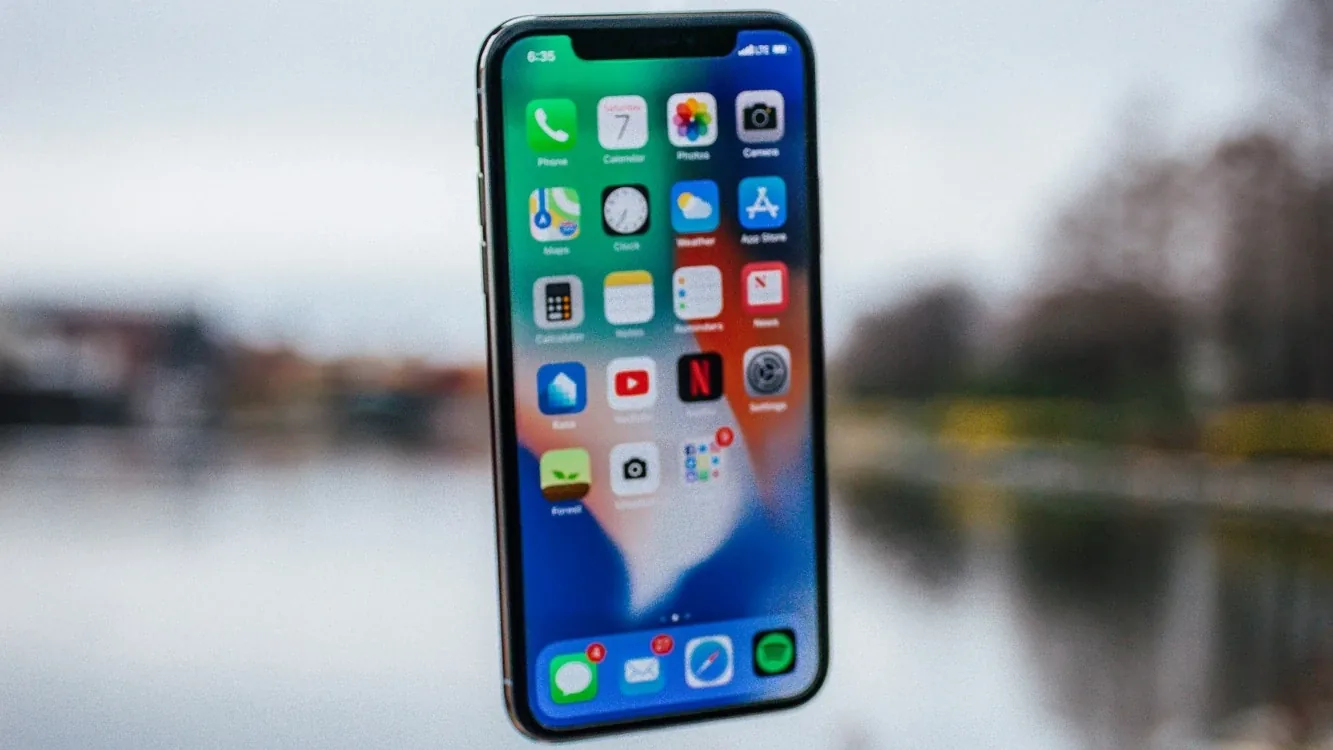
What is a Telegram Mini App? It is a web app that opens inside Telegram when the user taps a button: nothing to install, no sign-up, no password to invent — the customer is already logged in through their Telegram account. The feature used to be called Telegram Web App; the official name now is Mini App. Below: what it is, how it differs from a chat bot, and when a business needs one.
A Telegram Mini App in plain terms
Picture this: a customer opens your bot and sees an "Open catalog" button at the bottom. They tap it, and a page opens that looks like a website or a mobile app — photos, filters, a cart, a pay button. All of it happens without leaving Telegram.
Technically, a Mini App is an ordinary web page (HTML and JavaScript) that Telegram opens inside itself and passes basic user data to: name, Telegram ID, language. A Mini App is always tied to a bot: the bot sends messages, and the Mini App provides the convenient interface.
Mini App vs. a regular chat bot
Both live in Telegram, but they do different jobs. A Telegram chat bot works through messages and buttons, while a Mini App gives you a full-screen interface.
| Criterion | Chat bot | Mini App |
|---|---|---|
| Interface | Messages and buttons | Full-screen pages, like in an app |
| Catalog with photos and filters | Limited: products are browsed one by one | Photo grid, search, filters, sorting |
| Payments | Possible, but basic | Cart and checkout in one smooth flow |
| Personal account | Usually none, or very simple | Order history, bonuses, profile |
| Development time | 1–3 weeks | 2–4 weeks |
| Price | from 1M UZS | from 2.5M UZS |
If your customers only need a menu, an address and an "order" button, a chat bot is enough. If you have many products and people want to look at them and compare before choosing, a Mini App is the better fit.
What a Mini App can do
A Mini App can include almost any web feature. The ones businesses ask for most:
- Catalog — with photos, descriptions, prices, categories and filters.
- Cart — pick several items and change quantities.
- Online payments — via Click and Payme, with payment status checked automatically.
- Booking calendar — choose a free slot, a specialist or a room.
- Loyalty program — bonuses, cashback, promo codes.
- Order history — customers see past purchases and reorder with one tap.
- Admin panel — you manage products, prices and orders yourself, without a developer.
Who it suits: a few scenarios
Hypothetical examples of how a Mini App can be used:
Restaurant or delivery. A customer opens the bot, browses a menu with photos, fills the cart, enters an address and pays with Click. The order reaches the kitchen through the bot right away.
Beauty salon. The customer picks a service, a specialist and a free time slot in the calendar. The bot sends a reminder before the visit, and the administrator sees the whole schedule in one panel.
Learning centre. A list of courses, group timetables, online payment and a student account with attendance and payment history.
Small store. Instead of Instagram posts — a tidy catalog, filters by size and colour, a cart and checkout. The seller no longer has to type out prices to every customer by hand.
The honest limitations
It is not for everyone. Know this up front:
- It depends on Telegram. The app runs inside the platform and follows its rules.
- Your audience has to be on Telegram. If your customers don't use it, a Mini App won't reach them.
- Notifications come as bot messages. There are no separate push notifications like in a mobile app; reminders arrive in the bot chat.
- Not built for heavy offline use. Work without internet, or tasks that lean hard on device resources, are outside its strengths.
Mini App or native mobile app: which to choose
A Mini App launches faster and costs less, skips app store review and asks nothing of the customer in terms of installation. It suits testing an idea, serving an audience already on Telegram, and taking orders quickly.
Mobile app development makes sense when you need the camera, GPS, offline mode, complex animation, or a standalone brand presence in the App Store and Google Play. Mobile app pricing is quoted on request; the timeline is 5–8 weeks. We compare the two in detail in Telegram bot or mobile app.
Often the sensible route is a Mini App first, then a mobile app on the same backend once demand is proven.
How a Mini App project runs
- Free 15-minute consultation: we discuss the task and your audience.
- Technical brief: screens, features, payments and integrations. Price and deadline are fixed in the contract.
- Design: mockups of the key screens for your approval.
- Development: the Mini App, the bot, the backend and the admin panel.
- Testing: on real phones, with payments checked in test mode.
- Launch, plus a free 12-month warranty.
Rule of thumb: if customers need to look at and compare options before choosing, build a Mini App. If they order by asking a question or tapping a single button, a chat bot will do.
All types of Telegram solutions are on the Telegram bot development page, and the details on Mini Apps are under Telegram Mini App development.
FAQ
Does the customer need to install anything?
No. A Mini App opens inside Telegram, so the customer only needs Telegram itself. No registration either — the user is identified by their Telegram account.
Are Telegram Web App and Mini App the same thing?
Yes. Web App is the older name; Telegram now calls this feature Mini App. The technology is the same: a web app that opens inside Telegram.
Can I start with a chat bot and add a Mini App later?
Yes. A Mini App connects to an existing bot, so you can start with a chat bot and add a catalog with payments when demand grows.