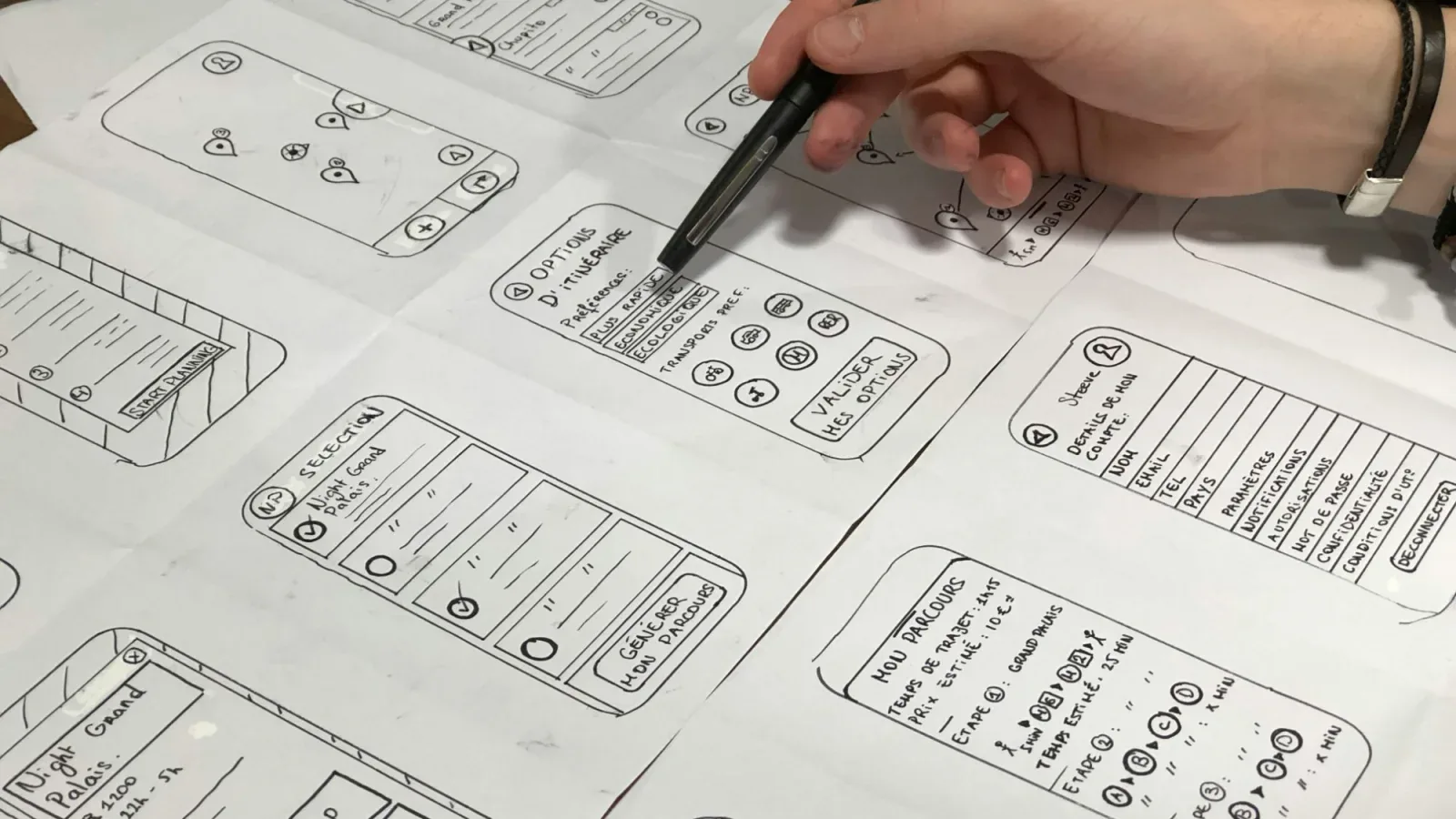
Mobile app development stages are much the same in almost every project: analysis, prototype, design, backend, the app itself, testing, store publishing and support. If you know the order in advance, it is easier to plan budget and time, to see what will be asked of you at each step, and to avoid decisions that are expensive to undo later. Below are the eight stages in order.
Overall timeline and cost
A full iOS and Android app usually takes us 5–8 weeks. The price of a full app is quoted on request: it depends on the number of screens, features, integrations and the size of the admin panel. If you want to test the idea first, an MVP — a first version with only the essential features — takes 3–6 weeks and costs from 6M UZS. Both price and deadline are fixed in the contract after the technical brief and do not change afterwards. More about the service is on the mobile app development page.
How an app is built: 8 stages
1. Analysis and technical brief
We look at the app's goal, audience, key scenarios and competitors. The output is a technical brief: list of screens, features, user roles and integrations. We cover how to prepare one yourself in how to write a technical brief.
2. Clickable prototype
Before design, we assemble a prototype from plain grey screens. You can open it on your phone, tap the buttons and walk through the user journey from start to finish. Changes are cheap at this point because no code has been written yet.
3. UI design
Based on the approved prototype, we design colours, fonts, icons and every screen state: empty list, error, loading. The habits of iOS and Android users are taken into account.
4. Backend, admin panel and API
The app on the phone is only the visible part. Users, orders, payments and content live on the server. The admin panel lets you manage products, prices and orders yourself without a developer, and the API connects the app to the server.
5. App development
We build the iOS and Android apps from one codebase — Flutter or React Native. This is faster than writing two separate apps and easier to maintain later. The work is split into parts, and after each one you get a test build to try yourself.
6. Testing on real devices
The app is checked not only in an emulator but on phones of different sizes, old and new: slow internet, no connection, push notifications, payments, screen rotation. Bugs found are fixed and checked again.
7. App Store and Google Play publishing
Developer accounts are registered in your name, so the app and its data remain your property. You pay the store account fees directly. Every app goes through store review: it takes time, and sometimes the store asks for changes, Apple in particular. Plan your launch date with some buffer.
8. Support and updates
After release there is a free 12-month warranty: bugs in our code are fixed at no cost. New features are agreed separately. As new versions of iOS and Android come out, the app also needs occasional updates.
The stages in one table
| Stage | What happens | What we need from you | Result |
|---|---|---|---|
| Analysis and brief | Goal, audience and features are defined | How your business works, examples of apps you like | Brief, price and deadline in the contract |
| Prototype | Screens and transitions in a clickable mockup | Click through it and give feedback | Approved screen structure |
| UI design | Colours, fonts, screen states | Logo, brand colours, feedback | Finished design mockups |
| Backend, admin, API | Server, database, control panel | Access to the payment provider and other services | Working server and admin panel |
| Development | iOS and Android app in Flutter or React Native | Review interim builds | Test build |
| Testing | Checks and fixes on real phones | Try it on your own phone | Release-ready version |
| Publishing | Store listing, screenshots, review submission | Accounts in your name, description texts | App live on the App Store and Google Play |
| Support | Bug fixes, adapting to new OS versions | Report any bugs you find | Free 12-month warranty |
Start smaller
A full app is a big step. If the idea has not been tested yet, this order is usually safer:
- MVP — an app with only the core scenario: from 6M UZS, delivered in 3–6 weeks. Details: MVP development.
- Or a Telegram Mini App — an app inside Telegram, with no store publishing or installation: from 2.5M UZS. Details: Telegram Mini App development.
- Collect feedback from the first users and, once demand is confirmed, move to a full app: iOS and Android app development.
Common mistakes
- Skipping the prototype and jumping straight to design or code.
- Putting every idea into the first version.
- Registering developer accounts in the contractor's name.
- Forgetting the admin panel, so every small change needs a developer.
- Not leaving time for store review and tying ads or a presentation to an exact date.
- Testing the app on only one phone.
A simple rule: the earlier a change is made, the cheaper it is. Redrawing a screen in the prototype is a small fix; in a finished app it means going through design, code and testing again.
Questions
How long does it take to build a mobile app?
A full iOS and Android app usually takes 5–8 weeks, an MVP 3–6 weeks. The exact deadline is fixed in the contract after the brief.
Why Flutter or React Native?
One codebase runs on both platforms. For most business apps that is enough: development is faster and updates are made in one place.
Who owns the app and the code?
You do. Developer accounts are registered in your name, and the code and server access are handed over to you.